Milford High School · English Department
All your writing at MHS
in one place.
Your essay scores and teacher feedback, plus the wiki and practice tools we use in class. Sign in with the same Google account you use for Google Classroom.
▶ Have an access code?
Have a look around at what you can do
Click any feature to see it in action, or open a full sample dashboard.
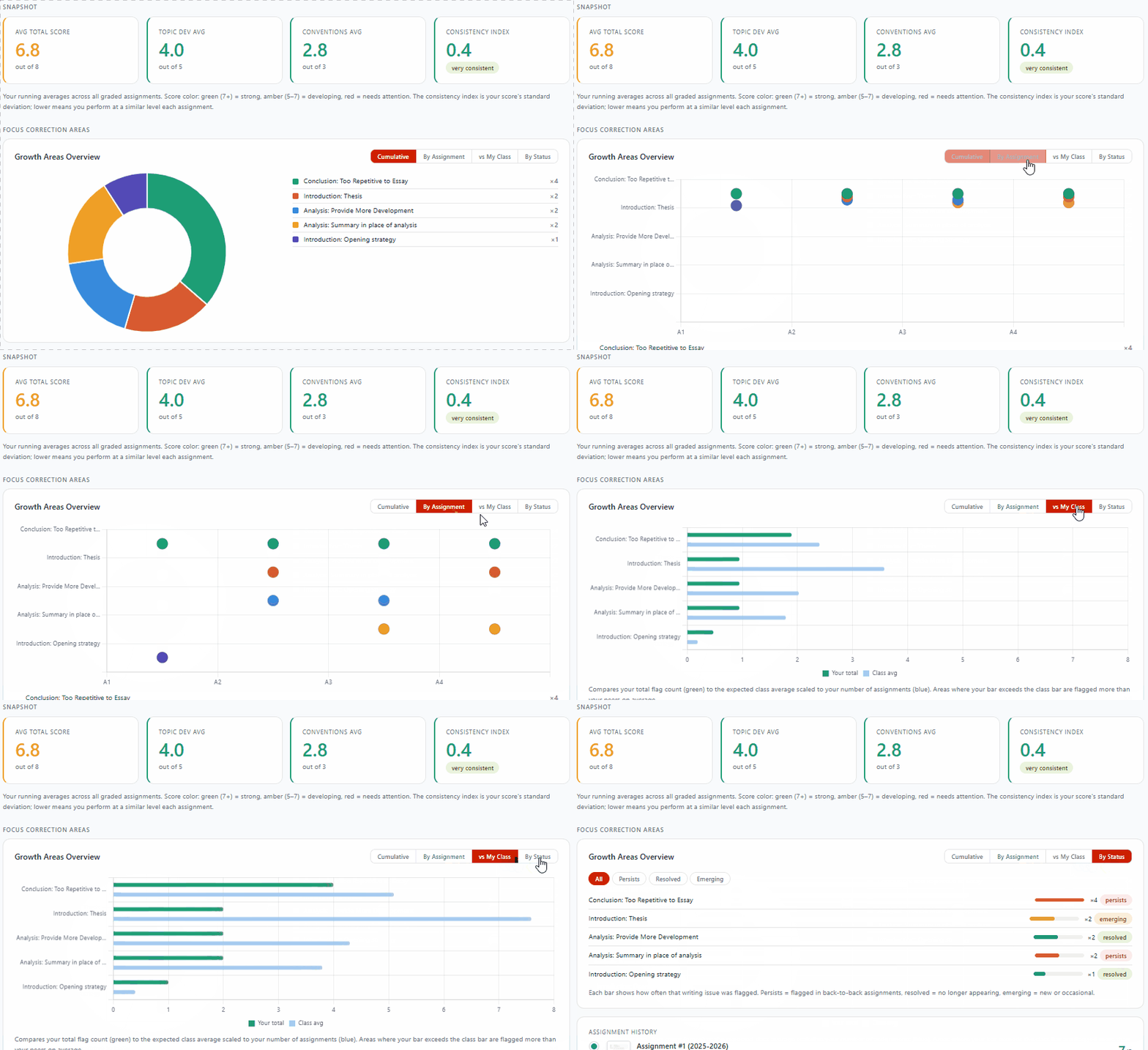
Track every essay
Your full assignment history in one view, with scores and teacher comments.
How writing is measured here
Every paper is scored across six writing zones and tagged with Focus Correction Areas, the specific skills to work on next.
Beyond averages, the dashboard tracks a consistency index for your scoring, your trend against the class, and how your multiple choice comprehension lines up with your essay scores.
Everything lives at one address
Bookmark mhscomposition.org once and you're set for the year.
Getting started
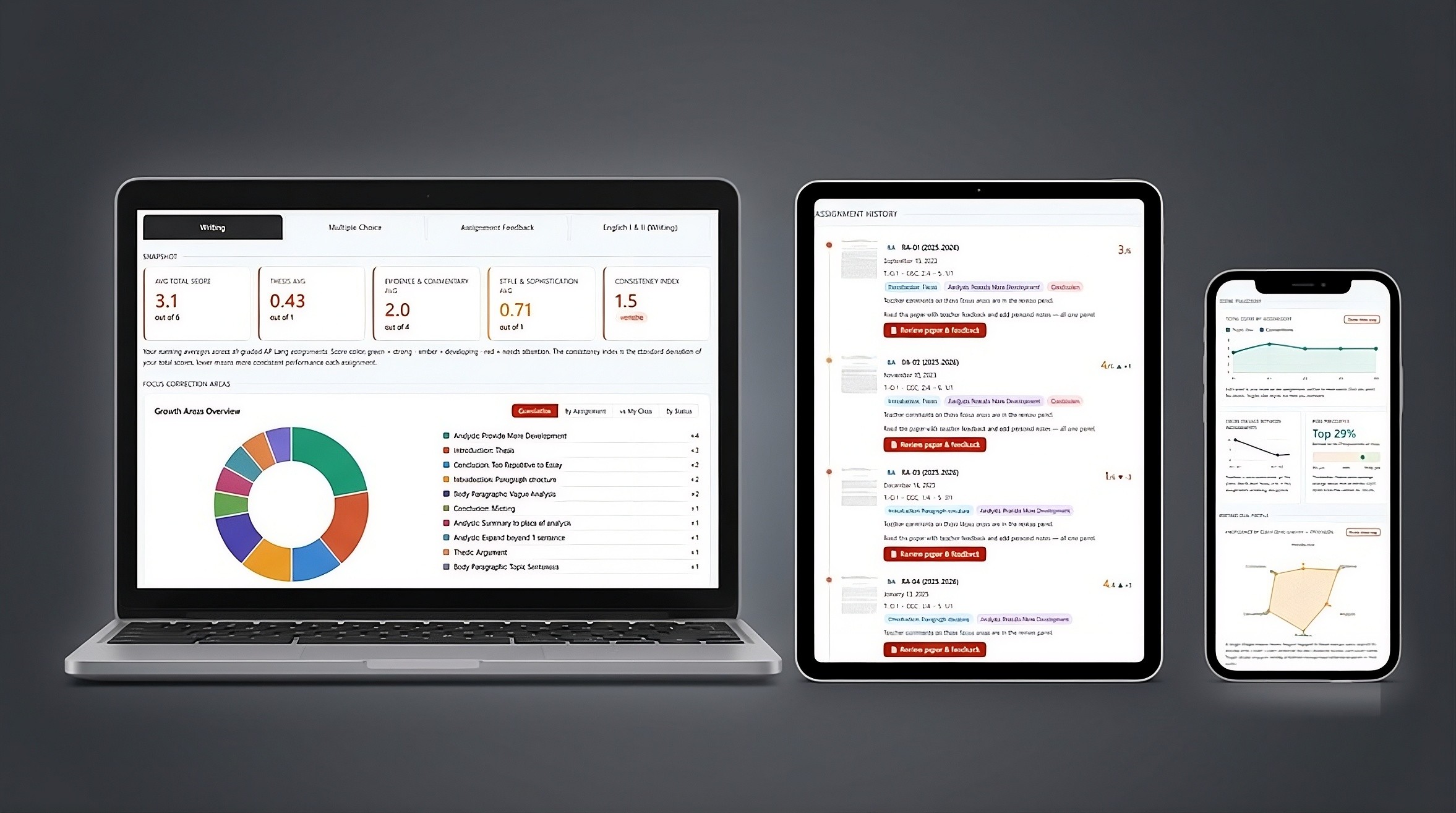
Your dashboard is private, and there's no new password to remember. It works on any device — one sign-in and you land on your own dashboard.
Student FAQ
Quick answers to common questions.
How do I access my dashboard? ▾
What is an FCA (Focus Correction Area)? ▾
How often does my dashboard update? ▾
Is the Composition Wiki available in other languages? ▾
Who do I contact if my dashboard won't load? ▾
Student data stays in the school's Google Workspace and is never shared with third parties. Each student sees only their own work. Parents and guardians can sign in with their email from this page to see their own student's dashboard.